See what is taking up attention and storage.
A scan can surface temporary files, caches, obsolete shortcuts and other cleanup candidates before changes are made.
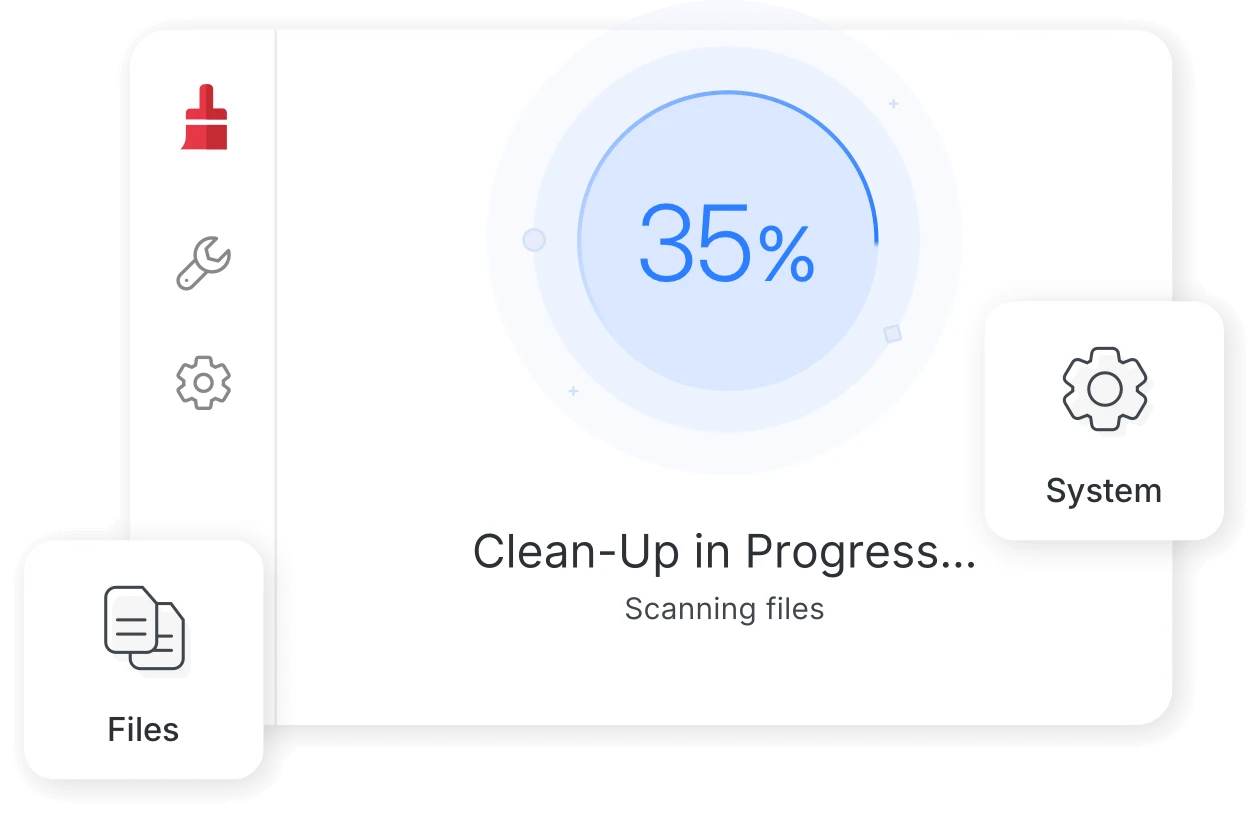
Total Cleaner is a cleanup and optimization utility built to help users review unnecessary files, reclaim storage, and access performance-focused tools from one interface.
Features can differ by device, operating system, and plan. Confirm current details before subscribing.
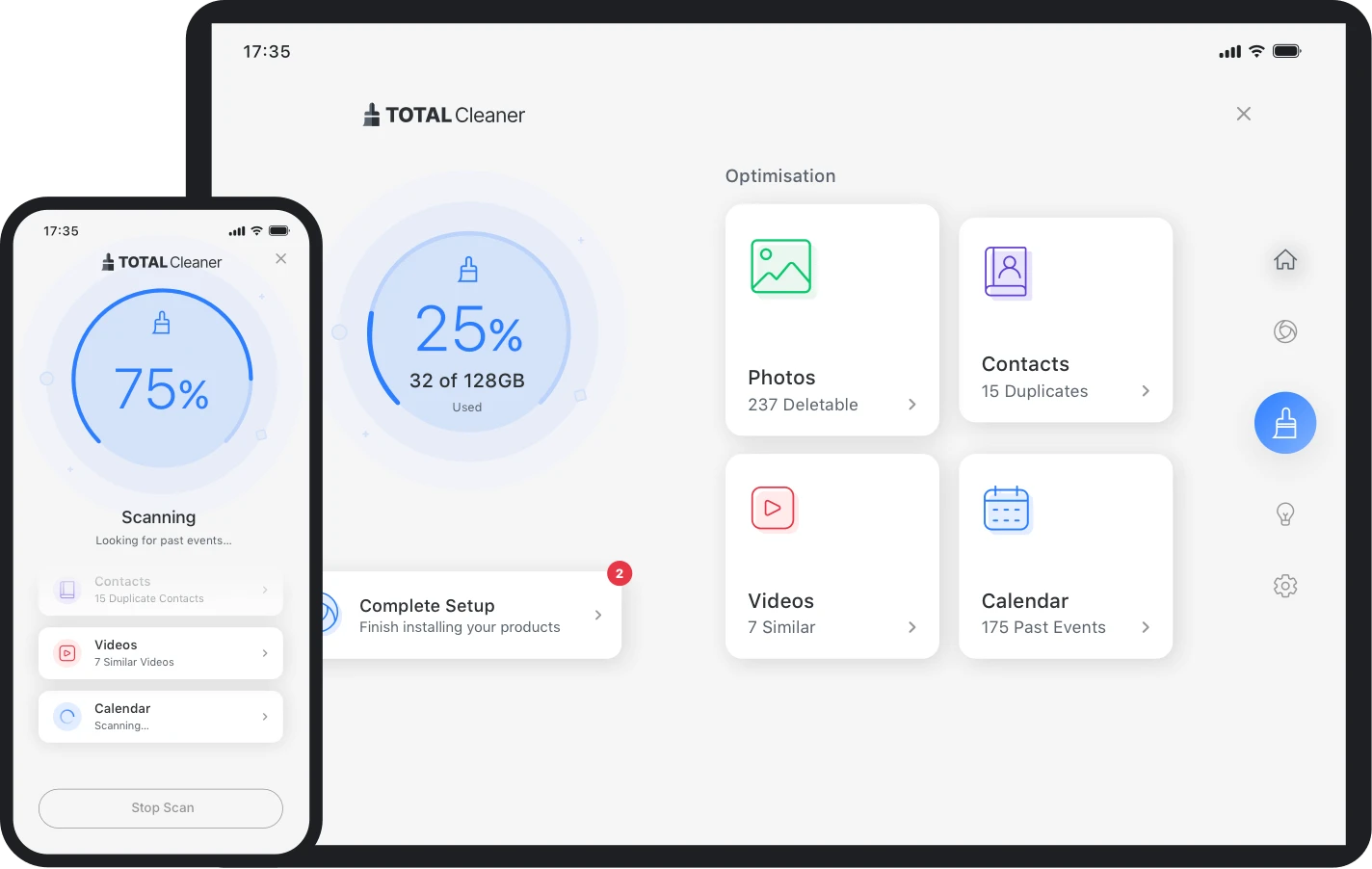
Review → clean → maintain
Find junk files, temporary data, browser cache, and other clutter that may be safe to remove.
Access optimization features intended to improve responsiveness and reduce avoidable background load.
Use scheduled or background maintenance features where supported instead of relying only on manual cleanup.
Total Cleaner supports desktop and mobile environments, although individual tools vary by platform.
A utility for users who want help finding clutter, managing storage, and using optimization tools without manually navigating every system folder and setting.
Total Cleaner is a device cleanup and optimization application. On supported Windows systems it can scan for junk, cache, broken shortcuts and other unnecessary data, while offering additional performance and file-management tools. Mobile cleanup functions are also available, but the exact feature set depends on platform and plan.
PC cleanup software is most useful when you understand what it is removing and why. Total Cleaner organizes common housekeeping tasks into a guided workflow.
A scan can surface temporary files, caches, obsolete shortcuts and other cleanup candidates before changes are made.
Treat cleanup recommendations as a review step, especially when files or settings matter to your workflow.
ActiveCare and related maintenance tools are intended to reduce repetitive housekeeping on supported systems.
Low storage, slow startup, browser residue, temporary files, duplicated media and too many background tasks can feel similar to the user—but they are different issues. A cleaner can help organize the maintenance process, not replace good backups or careful troubleshooting.

Use cases below describe common reasons people evaluate cleanup utilities. They are not performance guarantees.
People who regularly hit low-storage warnings or want a simpler way to review temporary data and clutter.
People who prefer one dashboard for cleanup, startup, memory and selected maintenance tools.
People who want cleanup options across PC and mobile, while understanding that capabilities differ between platforms.
Official product information currently lists cleanup, performance, secure deletion and recovery-related tools. Some named features are Windows desktop only.
Designed to surface junk files, broken shortcuts and hidden cache for review and cleanup.
Reclaims storage consumed by data that may no longer be useful.
Performance-oriented tools designed to manage system responsiveness and selected background behavior.
Creates one place to review common performance-maintenance tasks.
File tools for permanent deletion or recovery use cases, depending on the specific feature and platform.
Helps users think about file disposal and recovery as deliberate actions.
This comparison is about workflow, not a claim that one approach is always better.
| Task | Total Cleaner approach | Manual Windows approach |
|---|---|---|
| Find common clutter | Centralized scan and cleanup categories | Use Windows settings, browser controls and folders separately |
| Maintenance routine | Automation options on supported plans/platforms | Repeat tasks manually or use built-in scheduling tools |
| Feature breadth | Cleanup plus selected optimization/file utilities | Varies across built-in Windows tools |
| Control | Review scan results and settings before action | Direct control over each native tool or file location |
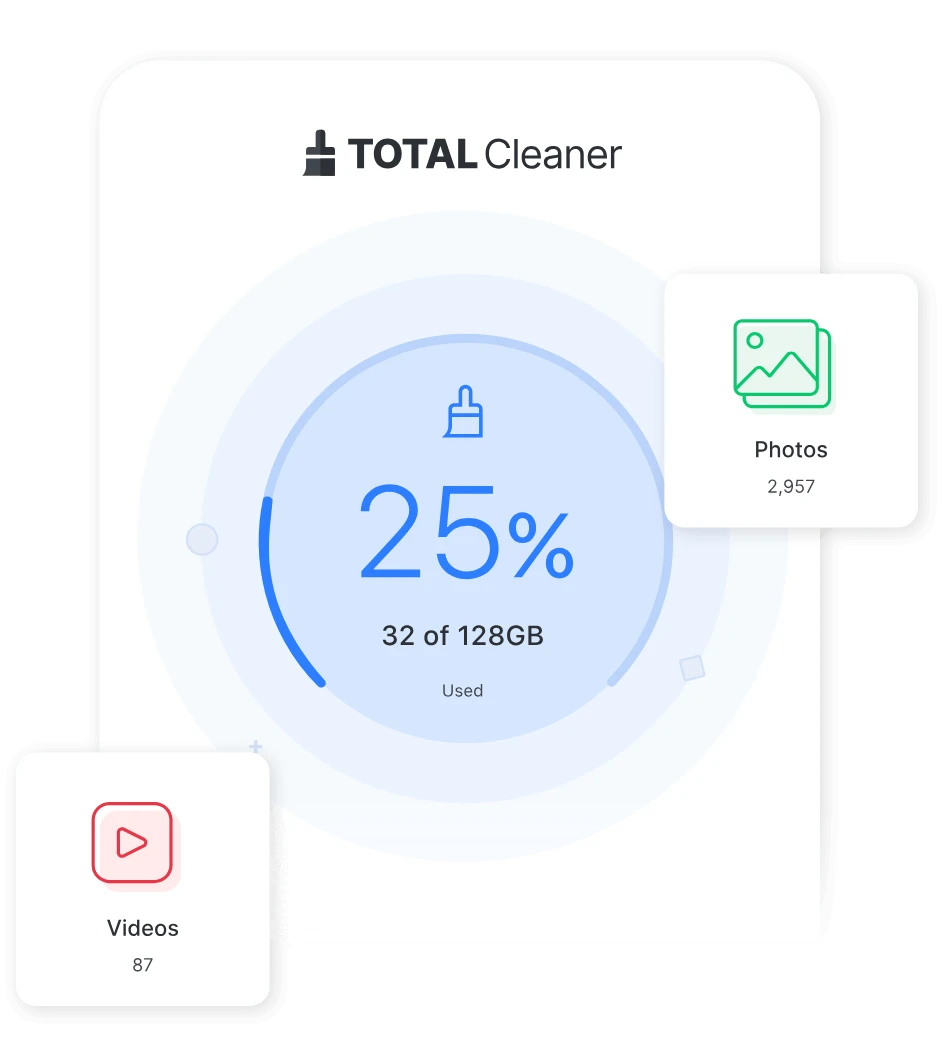
The product also offers cleanup tools for supported iOS and Android devices. Treat mobile cleanup as a separate feature set rather than assuming every Windows feature exists on a phone.
No price is hard-coded on this site. The destination website should be used to confirm current introductory offers, renewal rates, billing periods, refund terms and included features.
Pricing can change. Review the current plan period, automatic renewal terms, platform support and refund window before making a decision.
Open the destination page to see live pricing and plan details.
View Current OfferTotal Cleaner is device-cleanup and optimization software designed to help users identify system clutter, remove unnecessary files, and access performance-management tools. Feature availability varies by platform and subscription.
On supported Windows PCs, Total Cleaner provides cleanup and optimization tools such as DeepClean, LiveBoost, startup and memory tools, registry cleanup, and file-management utilities. Some tools are Windows-only.
It is designed for users who want a guided way to clean temporary or unnecessary files, organize storage, and access optimization tools without manually checking many system locations.
No. Total Cleaner and Microsoft PC Manager are separate software products. Searches for terms such as “Microsoft total PC cleaner” may refer to Microsoft PC Manager, which is Microsoft's own Windows utility.
Use the View Current Offer or Get Started buttons on this site. The destination page should be used to confirm current prices, subscription periods, renewal terms, and feature availability.
A safer framework for reviewing temporary files, cache, downloads and cleanup recommendations.
How to evaluate a cleaner download, compatibility, permissions and alternatives before installation.
Why Android users should verify the source, app identity and permissions before installing.
Use the destination page for the latest plan, billing, compatibility and availability details.